First-Hour Complementary Setup on Minecraft Java
This path gets Complementary Shaders running on Minecraft Java Edition with Iris. It is one stack, not every loader. For OptiFine or a menu of routes, use the install guide.
What you should have at the end
A Fabric or Quilt profile, Iris, Sodium, and either Complementary Unbound or Complementary Reimagined selected under Video Settings → Shaders. Start on Medium on a desktop GPU, or Potato on a laptop.
1. Confirm Java Edition
Unbound and Reimagined are Java packs. Bedrock cannot load them. Look for a .minecraft folder and a Java launcher profile. Marketplace shaders on Bedrock are unrelated files. More on the Bedrock page.
2. Install Fabric or Quilt, then Iris and Sodium
Create a profile for your game version. Add Iris, then Sodium. Launch once with shaders off and confirm the game is stable. Match mod versions to the same Minecraft release. Loader notes: Iris and Fabric and Sodium.
3. Download Complementary
Open the download page. Unbound is the natural survival look. Reimagined is the stylized grade. If you are undecided, read Unbound vs Reimagined. Keep the file as a ZIP. You do not need both styles on day one.
4. Place the pack and enable it
Move the ZIP into .minecraft/shaderpacks. Launch the Iris profile. Open Options → Video Settings → Shaders and select the pack. If the list is empty, confirm Iris is in the mods screen and check folder paths in the install guide.
5. Check three scenes
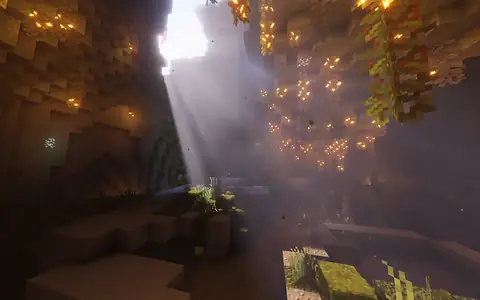
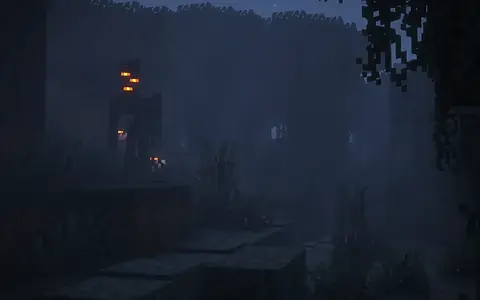
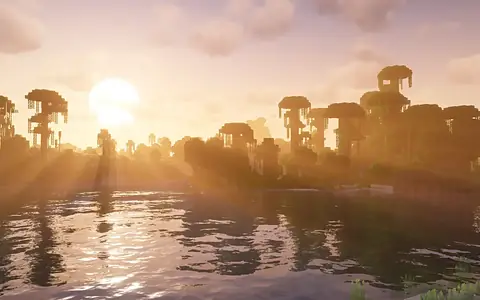
Walk a sunny biome, a cave, and the Nether. Add rain if you can. You want missing textures, black skies, or unplayable FPS to show up now. Black or pink: black screen guide. Fine look, bad frames: FPS boost.
6. Leave extras for later
Skip Euphoria Patches until the base pack is stable. Same rule for heavy LOD tools. See Voxy notes before stacking those on day one.
7. OptiFine instead
Some modpacks require OptiFine. Follow OptiFine install steps and do not install Iris in the same profile. For a fresh personal instance, Iris plus Sodium is the smoother default.
8. Save a baseline
Screenshot Shader Pack Settings when you like the look. Keep the last working ZIP until a new build survives a test world. Safe updates covers that habit.
Common first-hour mistakes
Do not extract the Complementary ZIP. Do not enable Ultra before you walk a cave. Do not skip Sodium and then blame the pack for chunk hitching.