
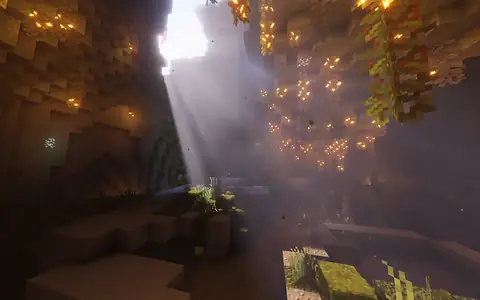
Black Screen After Enabling Complementary? Fix It
World went black or pink when you turned shaders on? Work this checklist for Iris conflicts, bad ZIPs, drivers, and heavy presets.
Read guideShort write-ups for the moments after you have a Complementary ZIP: first Iris setup, black or pink worlds, FPS, updates, and which settings are worth touching.
If Complementary is not installed yet, use the first-hour setup or the full install guide. Keep Unbound or Reimagined as a ZIP in shaderpacks.
If the pack loads but looks wrong or feels slow, open the black screen or FPS guide, then settings. Downloads stay on the download page.
Leave Euphoria Patches and tools like Voxy until Unbound or Reimagined already runs on Medium or Potato. Bedrock players should read the Bedrock page before grabbing a Java ZIP.
World went black or pink when you turned shaders on? Work this checklist for Iris conflicts, bad ZIPs, drivers, and heavy presets.
Read guide
Raise FPS with Complementary Unbound or Reimagined: Potato profiles, shadow cuts, Sodium habits, and render distance that does not melt the GPU.
Read guide
Get Complementary Unbound or Reimagined running with Iris in one clean path: Fabric, Sodium, shaderpacks folder, and a safe first profile.
Read guide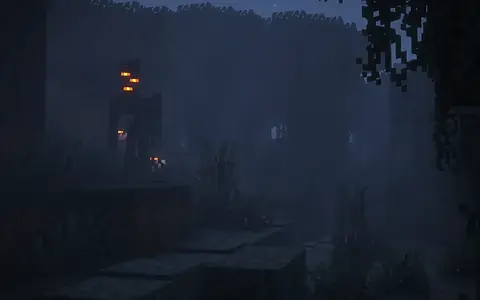
Which Complementary Unbound or Reimagined settings to change first on Minecraft Java with Iris: shadows, lighting, fog, water, and which toggles to leave alone.
Read guide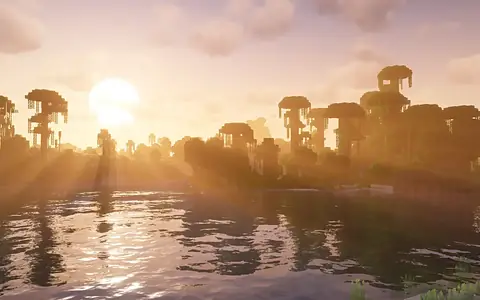
Bump Complementary Unbound or Reimagined safely on Minecraft Java: keep a rollback ZIP, preserve settings, and test before you trash the old pack.
Read guide